01 / CONTEXT
Scattered context 上下文分散
Project knowledge lived across drawings, messages, files, and individual memory. 项目知识散落在图纸、消息、文件和个人记忆里
Turning everyday construction workflows into reusable team knowledge. 把建筑工作流中产生的知识,变成团队可复用的资产。
A monday.com extension that helps construction teams capture, structure, and reuse project knowledge without adding another standalone system. 一个嵌入 monday.com 的知识管理系统,帮助建筑团队在不增加额外系统的前提下,捕捉、结构化并复用项目知识。
Construction knowledge is created continuously—but rarely captured systematically. 建筑知识在持续产生,却很少被系统捕捉。
Through my experience working in AEC teams and contextual observation with construction professionals, I found that knowledge transfer was not a separate “training” activity. It happened continuously—during project reviews, drawing markups, site visits, troubleshooting, and informal conversations. 通过在 AEC 团队的工作经验和对建筑从业者的情境观察,我发现知识传递并不是一项单独的“培训”活动。它持续发生在项目评审、图纸标注、现场走访、问题排查和非正式交流中。
The problem was that these insights rarely remained connected to the context in which they were created. 问题在于,这些洞察很少与它们产生的上下文保持连接。
Research Methods:研究方式:
What I observed in research:从研究中观察到的现象:
↓ Distilled into three core problems ↓ ↓ 由此提炼出三个核心问题 ↓
01 / CONTEXT
Project knowledge lived across drawings, messages, files, and individual memory. 项目知识散落在图纸、消息、文件和个人记忆里
02 / SHARING
Senior PMs carried valuable tacit knowledge, but documenting and teaching it required additional time. 资深 PM 拥有宝贵的隐性知识,但记录和教授它需要额外时间
03 / LEARNING
Junior PMs often received information without enough project context to understand when or why it mattered. 初级 PM 往往只拿到信息,却缺少理解“什么时候用、为什么重要”的项目上下文
Instead of creating another knowledge platform, embed knowledge into the workflow where it is created. 与其再建一个知识平台,不如把知识嵌入它产生的工作流。
Traditional model 传统模式
(Separate training / documentation effort) (单独的培训 / 文档工作)
BuildBase BuildBase
Insight洞察
Knowledge needs context, not just storage.知识需要上下文,不只是存储。
Design设计
Every piece of knowledge is attached to a specific project, task, and role—not stored in isolation.每条知识挂在具体的项目、任务和角色上,而不是孤立存放在文件夹里。
Structure结构
Workflow (Project Context) → Domain → Topic → Note工作流(项目上下文)→ 领域 → 主题 → 笔记
Insight洞察
Capture must happen inside existing work.捕捉必须发生在现有工作中。
Design设计
Documentation cannot be an extra task; it must emerge as a by-product of collaboration.知识沉淀不能是额外任务,必须作为协作的副产品自动产生。
Flow流程
Drawing → Markup → Discussion → Saved Version → Reusable Canvas图纸 → 标注 → 讨论 → 保存版本 → 可复用画布
Insight洞察
Different moments require different interaction depth.不同场景需要不同的交互深度。
Design设计
Desktop supports deep review, organization, and multi-angle understanding; mobile provides a temporary media storage area for quick on-site capture, with later organization on desktop. Mobile is not a shrunken desktop—it is redesigned around short, time-sensitive actions.桌面端支持深度回顾、整理和多角度理解;移动端提供临时媒体储存区,用于现场快速暂存,之后再回到桌面端整理。移动端不是桌面端的缩小版,而是围绕“短时间、高时效”的动作重新设计。
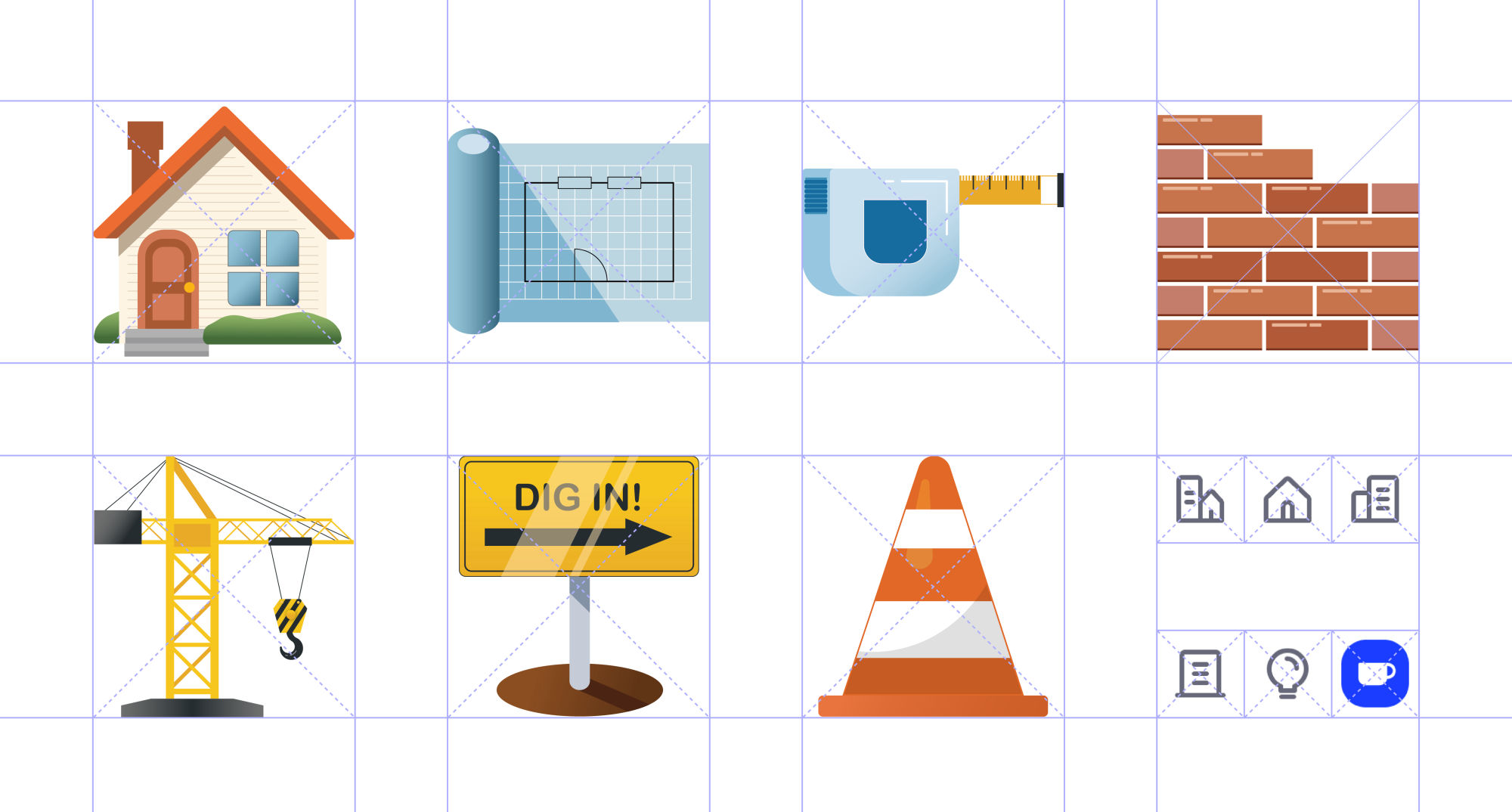
Working within monday.com’s Vibe Design System. 在 monday.com 的 Vibe Design System 内工作。
I followed Vibe’s established interaction and visual patterns, introducing only the components and states required by BuildBase. 我遵循 Vibe 既有的交互与视觉模式,只引入 BuildBase 所需的组件和状态。


Create knowledge notes directly under a monday.com task, with support for drawings, markups, and discussion records—automatically linked to project context. Capture happens without leaving the workflow. 在 monday.com 任务下直接创建知识笔记,支持上传图纸、标注和讨论记录,自动关联项目上下文。知识捕捉不需要离开工作流。
Create note + upload drawing 创建笔记 + 上传图纸
Each note retains its source project and task, organized in three layers: Domain → Topic → Note. PMs can see which skills they are building, and the project evidence behind each piece of knowledge. 每条笔记保留来源项目与任务,按领域 → 主题 → 笔记三层组织。PM 可以看到自己在练什么技能,也能看到每条知识背后的项目依据。
Search supports keywords, and adds multi-angle sorting tools—for example, by role (architect, engineer, contractor, owner), by project type, by risk level—helping PMs understand the same piece of knowledge from different perspectives, not just find it. 搜索支持关键词,同时提供多角度排序工具——例如按角色(建筑师、工程师、建商、业主)、按项目类型、按风险高低——帮助 PM 从不同视角理解同一条知识,而不只是“找到它”。
Knowledge base navigation + multi-angle sorting 知识库导航 + 多角度排序
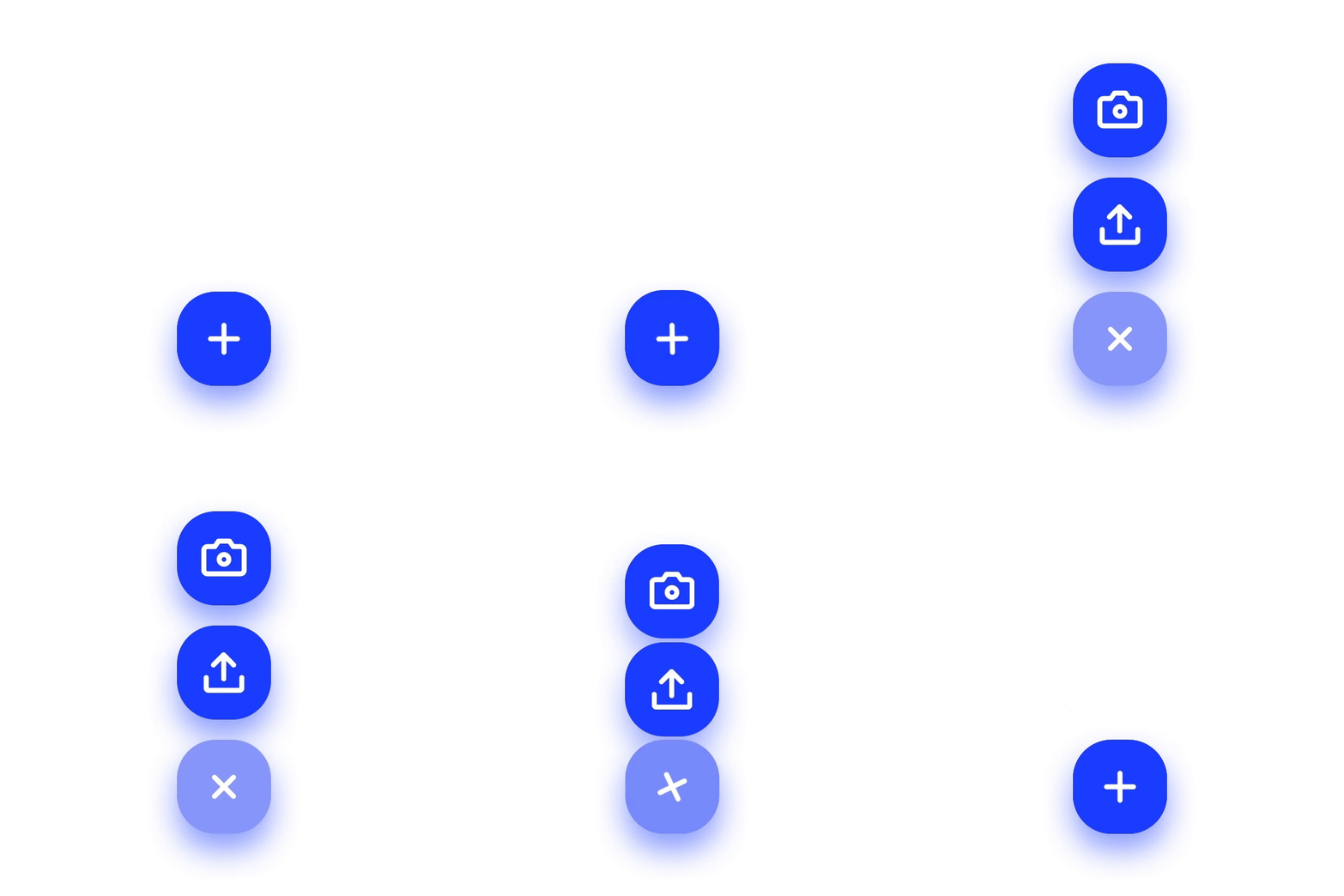
Mobile provides a temporary media storage area: when there is no time to organize on site, PMs can temporarily store captured media, then return to desktop to turn it into formal knowledge notes. 移动端提供临时媒体储存区:在现场没时间整理时,先把拍摄的媒体材料暂存,之后再回到桌面端整理成正式知识笔记。
Senior PMs do not need to constantly monitor questions. BuildBase sends notifications when junior PMs raise questions, so senior PMs can respond during short breaks or at the end of the day, without being interrupted. 资深 PM 不需要持续监控提问。BuildBase 在初级 PM 提出问题时发送通知,资深 PM 可以在短暂休息或一天结束时回应,不被打断。
I shared the concept with several construction professionals to evaluate the relevance of the workflow and product direction. The concept received positive qualitative feedback, but it was not deployed or formally usability-tested. 我把概念分享给了几位建筑从业者,评估工作流和产品方向的相关性。概念获得了正向的定性反馈,但尚未部署,也未做正式可用性测试。
The next validation priority would be whether teams can consistently capture useful knowledge without adding documentation overhead. 下一步验证重点是:团队能否在不增加文档负担的前提下,持续捕捉有用的知识。
This project strengthened my ability to translate domain knowledge into product structure—moving between organizational workflows, role-specific needs, information architecture, and interaction details. 这个项目提升了我把领域知识转化为产品结构的能力——在组织工作流、角色需求、信息架构和交互细节之间来回切换。
Designing for dynamic, domain-specific environments requires system-level thinking, flexible frameworks, and ongoing collaboration. 为动态的、领域特定的环境做设计,需要系统级思维、灵活框架和持续协作。