01 / IN购入
Mindset & consumption 消费心态与购买决策
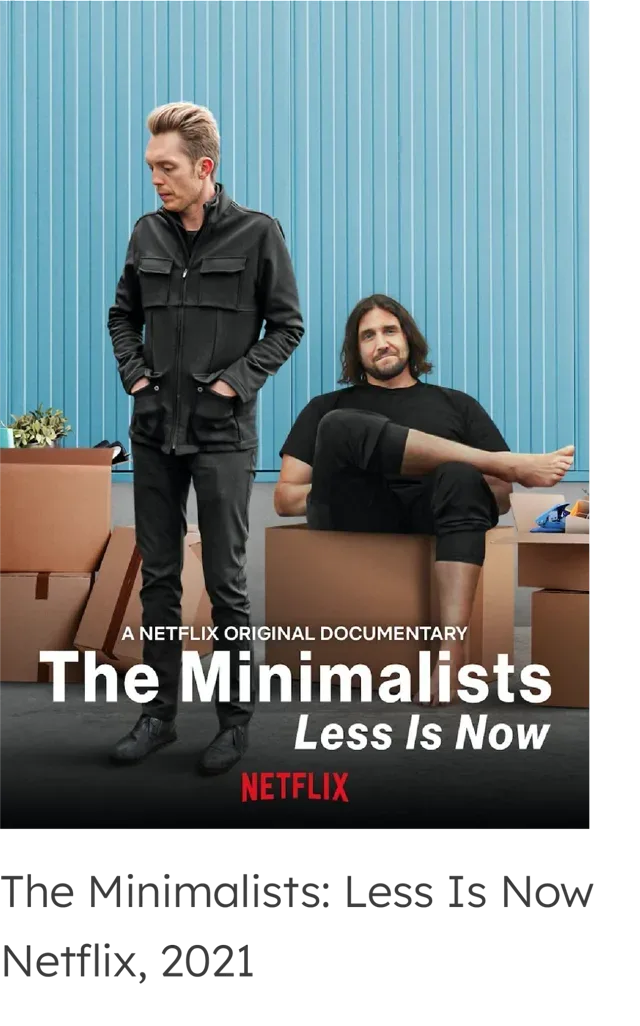
- Redefine possessions' purpose 重新定义物品的意义
- Reshape mindset 重塑消费心态
- Tips to resist consumption 抵制消费的技巧
Turning household inventory from manual tracking into automatic capture in the physical environment. 把家庭物品管理从手动记录,变成物理环境自动捕捉。
A smart storage system combining AI-assisted item recognition with a companion app, helping users track the full IN → KEEP → OUT lifecycle of possessions—without adding extra organizing effort. 一个智能储藏箱 + 移动端 App,通过 AI 辅助的物品识别与预填,帮助用户在不增加整理负担的前提下,追踪物品从购入 → 留存 → 清出的全生命周期。
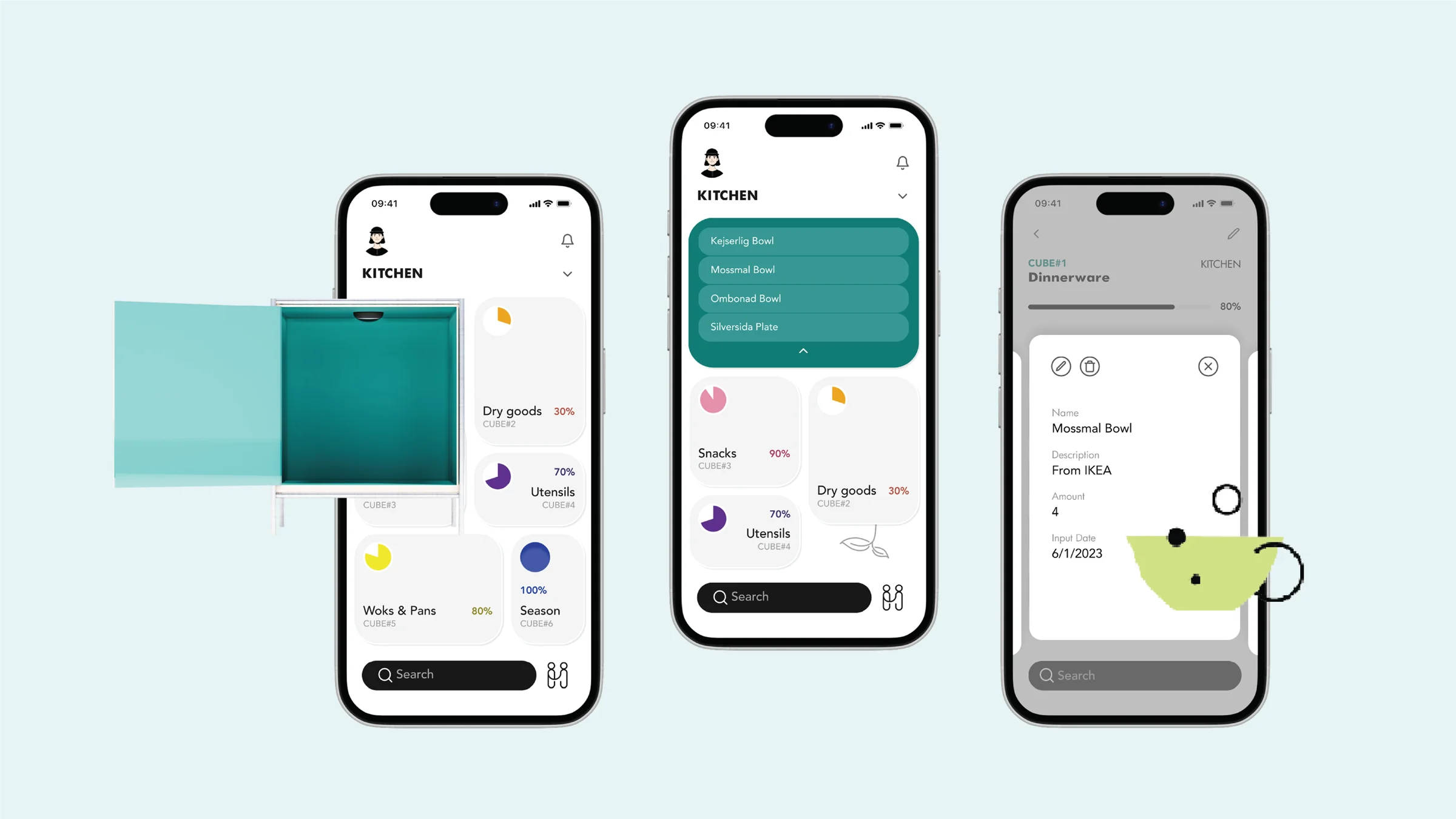
At IKEA, I wanted to buy a bowl set. My boyfriend asked, "Do we actually know what we have at home?" 在宜家,我想买一套碗,男朋友问:“我们真的知道家里有什么吗?”
That moment made me realize: the real question isn't about bowls—it's about the relationship we have with our possessions. 那一刻我意识到,真正的问题不是碗,而是我们和物品之间的关系。
Managing possessions isn't a one-time decluttering problem. 管理物品不是一个一次性的断舍离问题。
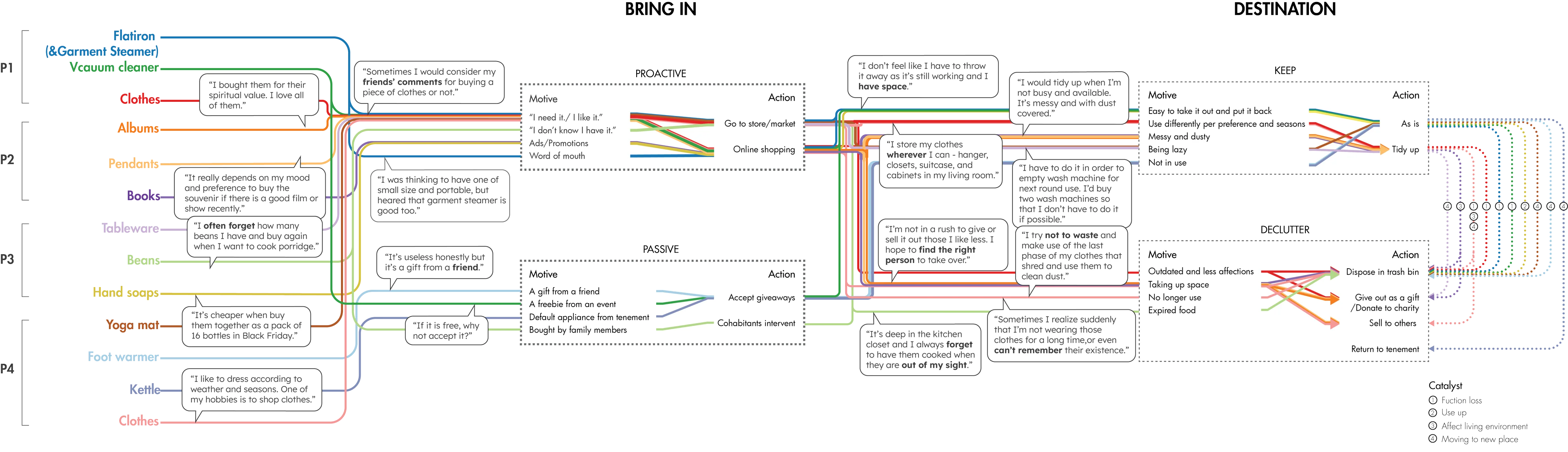
Through a product audit and 4 in-depth user interviews (12 possessions), I found that existing solutions intervene at isolated moments: 通过产品审计和 4 位用户深度访谈(12 件物品),我发现现有方案都在孤立时刻介入:
01 / IN购入
02 / KEEP留存
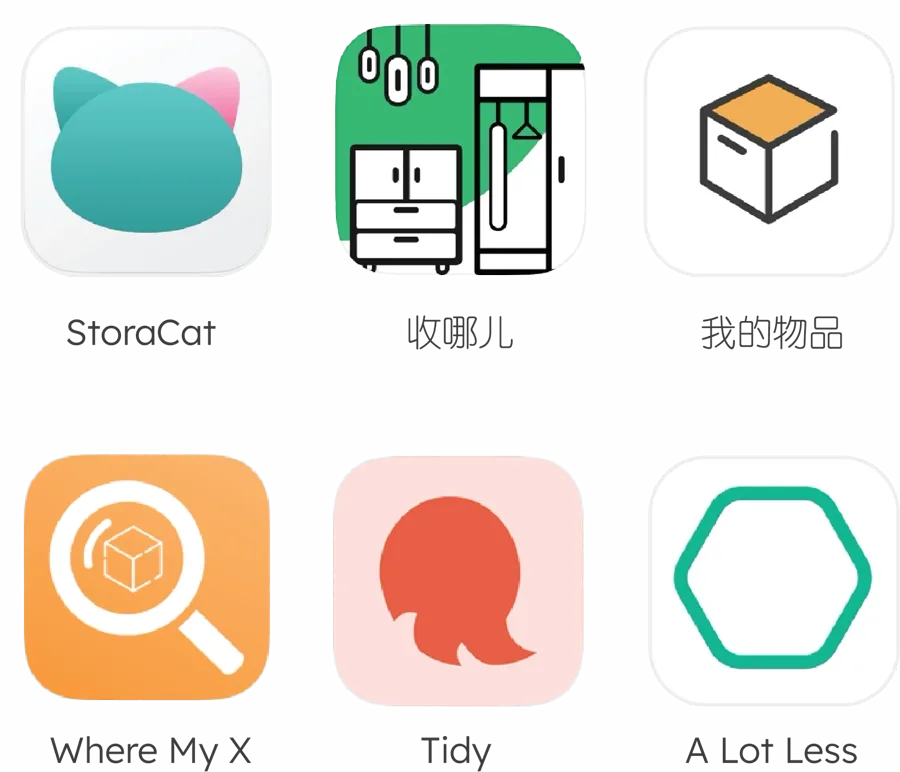
03 / OUT清出
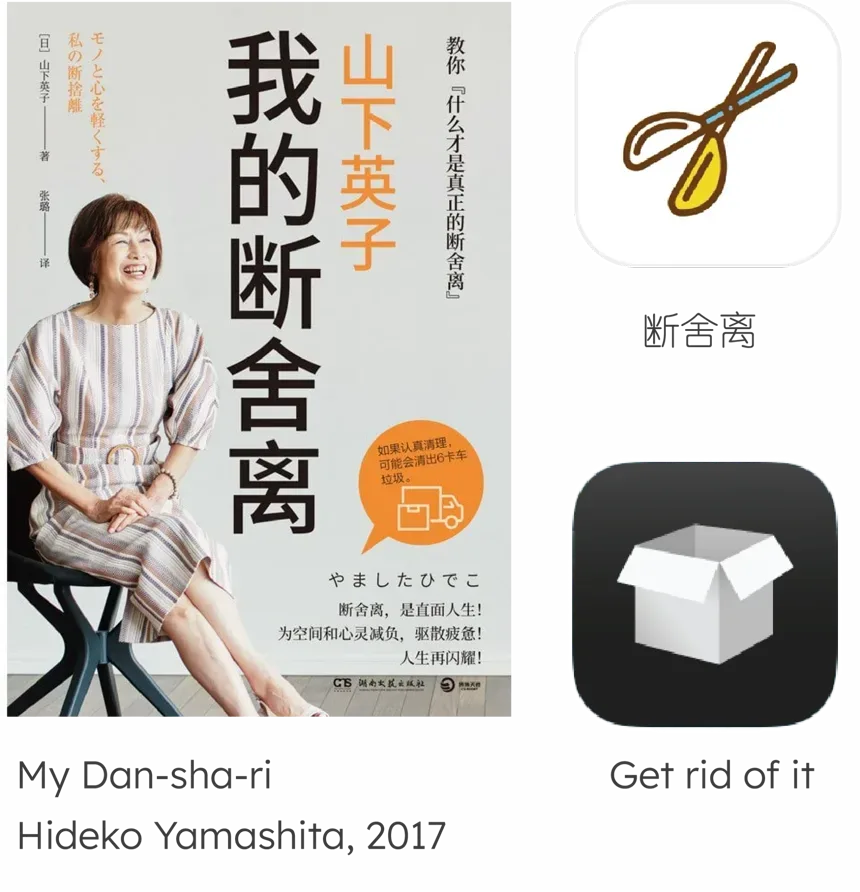
But possessions continuously move through a connected IN → KEEP → OUT lifecycle. 但人的物品管理其实是一个连续的 购入 → 留存 → 清出 生命周期。
Key observations from research:研究中的关键观察:
↓ Distilled into a core insight ↓ ↓ 由此提炼出核心洞察 ↓
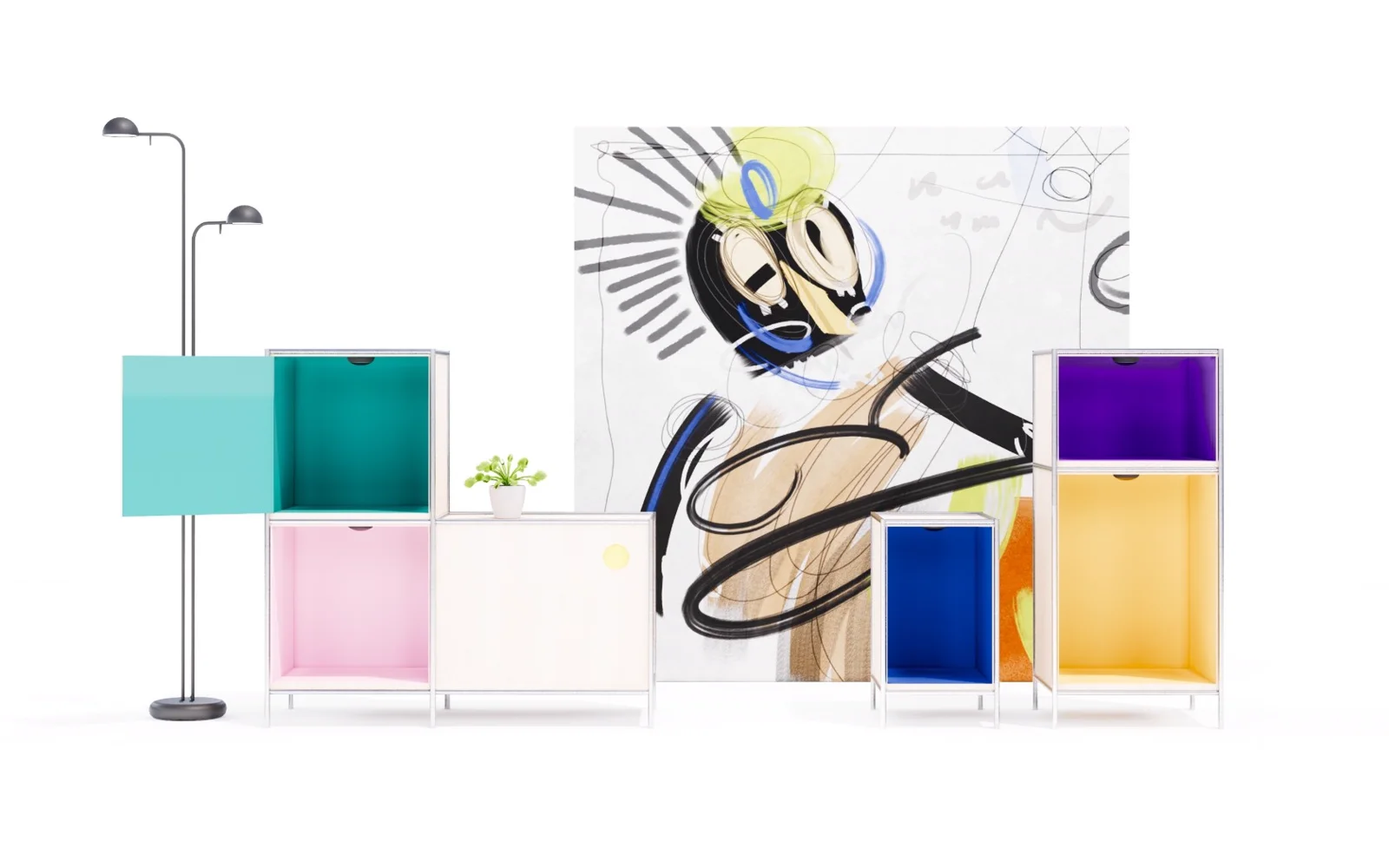
Instead of optimizing manual tracking, move capture into the physical environment. 与其优化手动记录,不如把捕捉移到物理环境。
If manual inventory tracking is too much work, why ask users to maintain another inventory app? 如果手动维护物品清单太费力,为什么还要让用户再维护一个物品管理 App?
What if inventory could update itself? 如果物品清单能自己更新呢?
The product strategy is not to optimize manual entry, but to shift part of inventory capture into the physical environment. 产品策略不是优化手动记录,而是把一部分捕捉工作移到物理环境。
Three-layer architecture三层架构
IN购入
Place itemDetectAI prefillConfirmInventory放入物品识别AI 预填确认进入物品清单
KEEP留存
TrackSurface usage / spaceRemindReflect追踪呈现使用 / 空间状态提醒反思
OUT清出
Identify unused itemMatchTransferUpdate inventory识别未使用物品匹配转赠更新物品清单
Design principles:设计原则:
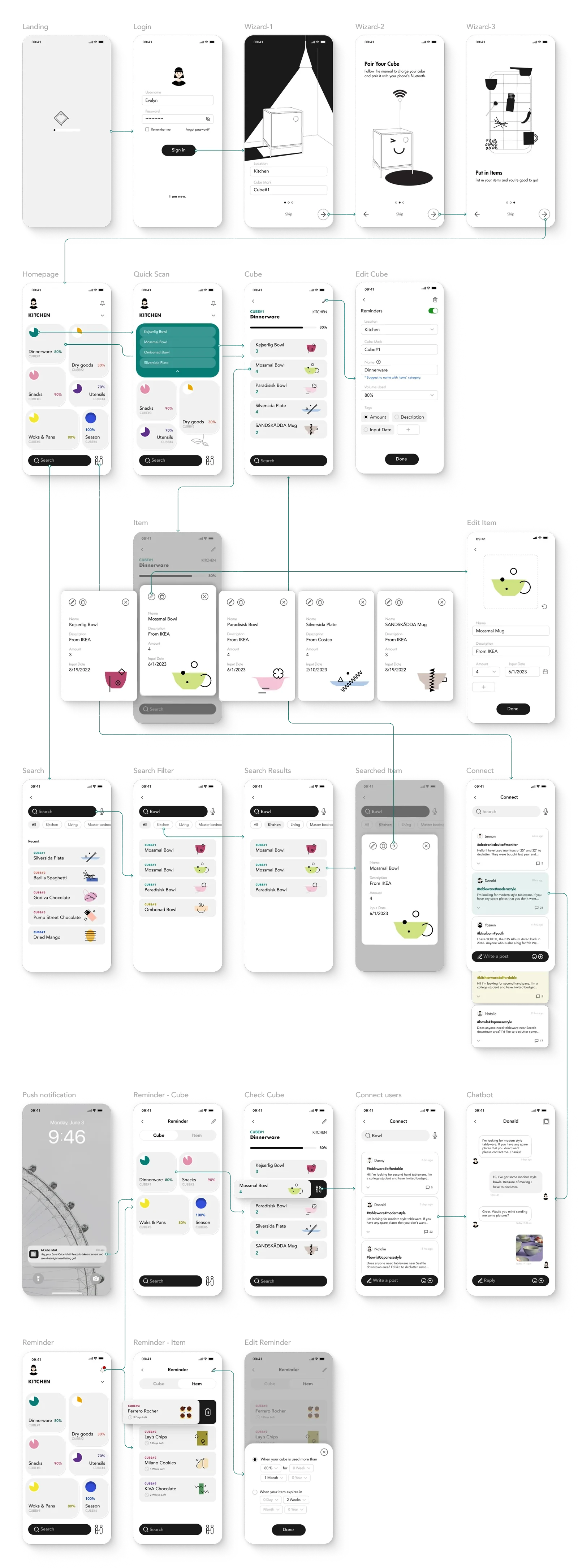
Onboarding & Homepage → users start with one of the input spaces 新手引导与首页 → 用户从输入空间开始
Insight洞察
Users don't know what they have because items "disappear" once stored.用户不知道家里有什么,是因为物品被收纳后就“消失”了。
Design implication设计含义
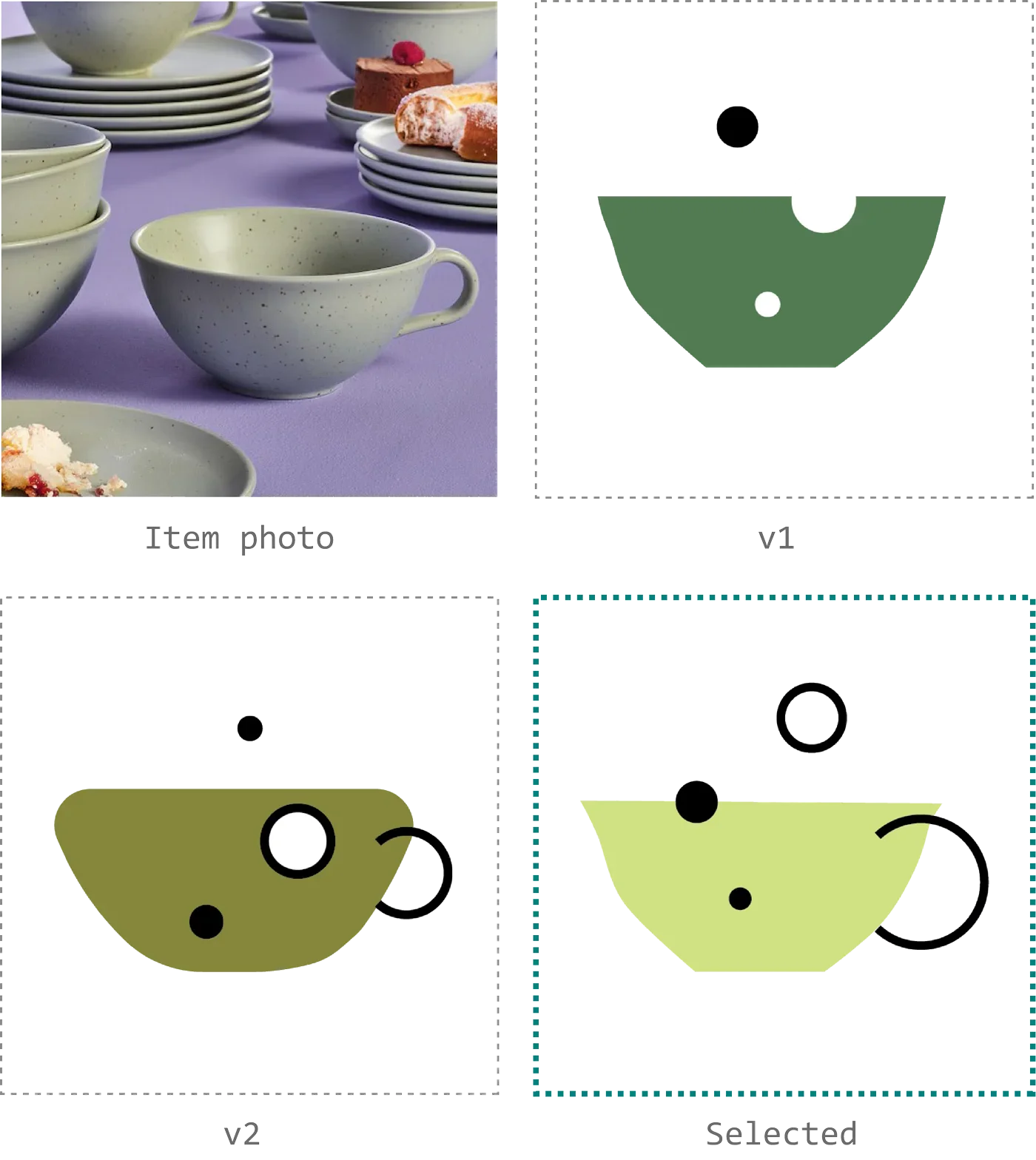
Move capture into the physical environment. AI handles detection, prefill, and generates a unified visual language; the digital interface only confirms and presents.把捕捉移到物理环境,让 AI 负责识别、预填,并生成统一视觉,数字界面只做确认与呈现。
Key design decisions关键设计
Key artifacts关键产出
Onboarding flow
Homepage UI
The first-time experience connecting Physical → AI → Digital
AI-generated visual system新手引导流程
首页界面
物理 → AI → 数字的首次体验衔接
AI 生成的统一视觉系统
Insight洞察
Users rarely check what they already own before purchasing; once they have many cubes, even opening them feels like too much work.用户购物前很少检查家里是否已有;东西多了之后,连打开储物盒都嫌麻烦。
Design implication设计含义
Querying must be faster than searching—support both "quick scan" and "direct search."查询必须比翻找更快,支持“扫一眼”和“直接搜”两种路径。
Key design decisions关键设计
Key artifacts关键产出
Quick scan flow
Item detail view
Search interaction快速浏览流程
物品详情页
搜索交互
Insight洞察
Users know they should declutter but struggle to act; decluttering is not a one-time event—it needs ongoing, low-friction motivation.用户知道该清理,却迟迟不行动;断舍离不是一次性事件,而是需要持续动力的日常行为。
Design implication设计含义
Reframe "discard" as "match + transfer," and provide gentle, everyday encouragement.把“丢弃”转化为“匹配 + 转赠”,并在日常中持续给予低门槛的清理鼓励。
Key design decisions关键设计
Key artifacts关键产出
Decluttering matching flow
Daily declutter encouragement UI断舍离匹配流程
日常断舍离鼓励界面
5 participants tested key product scenarios. 5 位用户测试了关键产品场景。
01
Automation reduced perceived effort自动化降低了感知到的操作负担
02
Matching made decluttering more actionable匹配机制让断舍离更可行动
03
AI automation required visible manual overrideAI 自动化需要可见的手动修正入口
Honest note:诚实标注: Concept design project, not developed, not launched. Testing was concept-prototype usability testing, not live product data. 概念设计项目,未开发、未上线。测试为概念原型可用性测试,非上线数据。
This project strengthened my ability to translate soft-hardware systems thinking into concrete product experiences—moving between physical interaction, AI behavior, digital interfaces, and user psychology. 这个项目强化了我把软硬件结合的系统思维转化为具体产品体验的能力——在物理交互、AI 行为、数字界面和用户心理之间来回切换。
Designing for soft-hardware products requires finding a precise balance between automation and user control. 为软硬件结合的产品做设计,需要在自动化与用户控制之间找到精确的平衡点。